
What Is ERP (Enterprise Resource Planning)?
A business can start with surprisingly little software. Sales keeps customer information in a spreadsheet. Finance uses accounting software. Inventory has another system. HR maintains employee records separately. Purchasing communicates with suppliers through email. When the company is small, this can work.
Then the business grows. Sales cannot see accurate inventory. Finance waits for purchasing data. Warehouse numbers do not match accounting. Employee information exists in several places. Managers spend hours combining reports before they can understand what is happening. The problem is not necessarily that the company needs more software it may already have too much disconnected software.
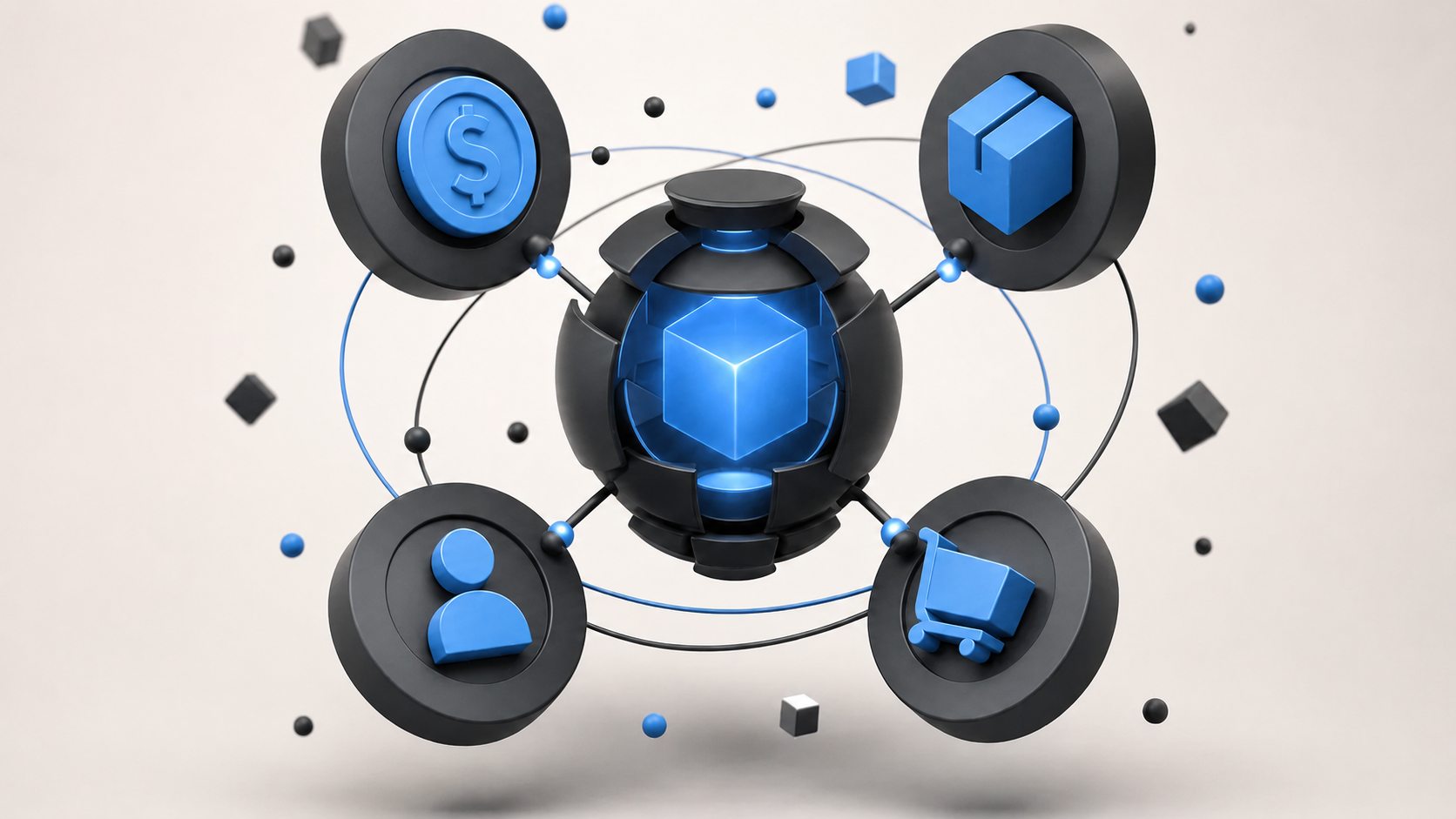
That is where ERP, or Enterprise Resource Planning, comes in. ERP connects core business processes such as finance, inventory, purchasing, sales, manufacturing, supply chain, HR, and projects within one system. Instead of every department maintaining its own version of the business, teams can work from shared information.
What Does ERP Mean?
ERP stands for Enterprise Resource Planning. An ERP is software used to manage the main resources and processes of a business in one connected environment money, employees, inventory, materials, suppliers, customers, equipment, projects, and orders. Instead of separate systems handling each area independently, ERP allows information to move between departments.
The key word is integration. That is what makes ERP different from simply buying several business applications.
How Does ERP Work?
The easiest way to understand ERP is through a normal customer order. Without ERP, sales records the order, someone asks the warehouse whether products are available, the warehouse checks inventory, purchasing contacts a supplier if stock is low, warehouse records are updated later, finance creates the invoice separately, and management gets the final numbers at month-end. Several people may enter the same information more than once.
With ERP, the process can become Customer Order → Inventory → Fulfillment → Invoice → Payment → Accounting. The order entered by sales can immediately become useful to other departments. Inventory knows what has been reserved. The warehouse knows what needs to ship. Purchasing can see shortages. Finance receives the information needed for invoicing. Management can see the transaction in reporting. One business event creates information for the next process.
Why Is ERP Different From Separate Business Software?
A company can run accounting software, inventory software, CRM, HR software, and project management tools without having ERP. With separate software, employees may constantly need to export reports, import spreadsheets, copy customer information, re-enter invoices, send updates by email, and compare different versions of the same data. ERP tries to reduce those handoffs so teams are not asking which spreadsheet is correct.
Core ERP Modules
ERP is usually made up of modules that manage different parts of the business. A company can choose the modules it actually needs.
- Finance and accounting general ledger, invoices, vendor bills, AP/AR, payments, expenses, budgets, assets, and financial reporting.
- Inventory management stock quantities, warehouses, locations, transfers, reserved inventory, incoming products, replenishment, and lot or serial tracking.
- Purchasing and procurement purchase requests, approvals, suppliers, quotations, purchase orders, receiving, vendor bills, and supplier payments.
- Sales quotations, customer orders, pricing, products, salespeople, customer information, and order status.
- CRM leads, opportunities, customer conversations, follow-ups, pipelines, and activities, either inside the ERP ecosystem or integrated separately.
- Manufacturing bills of materials, MRP, production orders, routings, work centers, shop-floor operations, quality, maintenance, and manufacturing costs.
- Supply chain demand and supply planning, procurement, inventory, warehousing, manufacturing, orders, and logistics.
- Human resources employee records, recruitment, onboarding, attendance, leave, payroll, expenses, performance, and offboarding.
- Project management projects, tasks, employees, timesheets, expenses, budgets, billing, and profitability.
What Are the Main Benefits of ERP?
- One source of business data fewer disconnected copies of sales, finance, and inventory numbers.
- Less manual data entry information entered once can be used by several processes.
- Better visibility today's sales, inventory, receivables, payables, shortages, and project budgets become easier to answer.
- More consistent processes for example Purchase Request → Approval → Purchase Order → Receipt → Vendor Bill.
- Better reporting financial and operational information can be combined without manually joining spreadsheets.
- Easier growth a scalable ERP provides structure as products, employees, warehouses, and locations increase.
What Are the Different Types of ERP?
- Cloud ERP hosted on cloud infrastructure and usually accessed through the internet, with the provider handling much of the infrastructure and maintenance.
- On-premise ERP runs on infrastructure controlled by the company, providing greater control but more responsibility for servers, upgrades, security, and maintenance.
- Hybrid ERP combines cloud and on-premise systems so organizations can modernize gradually instead of replacing everything at once.
Do Small Businesses Need ERP?
ERP is not only for huge corporations, but not every small business needs one. A company with five employees, one bank account, no inventory, and simple operations may work perfectly well with accounting software and a few other tools. ERP becomes more useful as processes begin connecting. A small manufacturer may need ERP earlier than a larger consulting company because it has materials, suppliers, inventory, production, warehouses, purchasing, and product costs. Company size matters, but business complexity matters more.
Signs Your Business May Need ERP
- Too many spreadsheets employees spend hours updating and comparing them.
- Data is entered more than once across sales, finance, and operations.
- Departments do not see the same numbers.
- Inventory is difficult to trust and warehouse staff still need to physically check.
- Reporting takes too long because several departments must provide information.
- Growth creates more administration with every new employee, warehouse, location, or product.
- Existing software does not connect and employees spend too much time moving information between applications.
ERP vs CRM
CRM manages customer relationships and sales opportunities. ERP manages the wider business operations behind those sales. CRM helps answer who you are trying to sell to, what you have discussed, and what should happen next. ERP helps answer what they ordered, whether inventory is available, what it costs, whether it shipped, and whether they have been invoiced. Many businesses eventually use both, either within the same platform or through integrated systems.
How Much Does ERP Cost?
There is no single ERP price. Cost depends on number of users, modules, business size, customization, integrations, data migration, training, hosting, implementation support, and number of companies or locations. A small cloud ERP implementation can be very different from a multi-country enterprise deployment. Software licenses are only part of the budget businesses should consider the total cost of ownership, including implementation, migration, customization, support, and future changes.
How Do You Choose the Right ERP?
- Identify the problems where the company is losing the most time, money, or visibility.
- Map important processes such as Lead → Sale → Delivery → Invoice → Payment or Purchase → Receive → Inventory → Vendor Bill → Payment.
- Decide which modules you need and avoid buying unnecessary complexity.
- Check integrations with e-commerce, banks, payroll, CRM, shipping, CAD, POS, and industry software.
- Test real scenarios ask vendors to demonstrate your actual customer order, purchase, return, or inventory problem.
How Is ERP Implemented?
- Process mapping understand how the company works today.
- Requirements decide what the new ERP actually needs to do.
- Data cleaning fix customers, suppliers, products, accounts, inventory, and other records before migration.
- Configuration set up the ERP around the required business processes.
- Integration connect systems that will remain outside ERP.
- Testing run complete business scenarios.
- Training train employees based on their actual roles.
- Go-live and improvement launch, monitor problems, and continue improving processes.
Common ERP Mistakes
- Choosing based on brand name instead of fit.
- Implementing too much at once instead of a phased rollout.
- Migrating bad data into the new system.
- Customizing everything and creating expensive maintenance.
- Ignoring employees during testing and training.
- Treating ERP as only an IT project instead of involving finance, sales, operations, HR, purchasing, and management.
What Does Modern ERP Look Like?
Modern ERP is increasingly cloud based, modular, mobile accessible, integrated through APIs, automated, analytics driven, and AI enabled. The underlying purpose, however, has not changed. ERP is still about connecting the core processes required to run the business.
Where to Go From Here
ERP sounds complicated because it can manage a lot of things. The basic idea is much simpler. A business has customers, employees, money, products, suppliers, inventory, orders, and projects. ERP connects the processes around them so departments are not building separate versions of the company.
For a small company, separate software may still work perfectly well. But when employees spend too much time copying information, fixing spreadsheets, reconciling systems, and asking other departments for data, the business may have reached the point where ERP makes sense. Start with the problems, map the processes, decide which modules actually need to be connected, and evaluate platforms based on how well they support the way your business operates. The goal is not simply to replace several applications with one large application. It is to make information move through the business as smoothly as the work itself.
Frequently Asked Questions
What does ERP stand for?
ERP stands for Enterprise Resource Planning. It is software used to connect and manage core business processes such as finance, inventory, purchasing, manufacturing, HR, sales, and supply chain.
What is ERP in simple terms?
ERP is a connected business management system. Instead of different departments using separate software and spreadsheets, ERP allows them to work from shared data and connected processes.
What are the main ERP modules?
Common modules include finance, accounting, sales, purchasing, inventory, manufacturing, supply chain, HR, CRM, project management, and reporting.
What is an example of ERP software?
Examples of major ERP platforms include SAP, Oracle, Microsoft Dynamics 365, NetSuite, Infor, and Odoo. The right platform depends on the size and complexity of the business.
What is the difference between ERP and CRM?
CRM primarily manages leads, customers, and sales relationships. ERP manages wider business operations such as finance, inventory, procurement, manufacturing, HR, and fulfillment.
Do small businesses need ERP?
Some do. ERP becomes useful when business processes are interconnected and separate systems or spreadsheets create too much manual work. The complexity of the business can matter more than employee count.
What are the benefits of ERP?
Common benefits include connected business data, less duplicate entry, better reporting, improved process control, greater visibility, and easier management as the business grows.
Is ERP cloud based?
ERP can be cloud based, on-premise, or hybrid. Cloud ERP is increasingly common because it reduces the amount of infrastructure businesses need to maintain themselves.
Ready to estimate your app cost?
Use our free calculator to get a personalised cost breakdown in 2 minutes.
Calculate Your App Cost