
Manufacturing ERP: The Systems That Actually Work
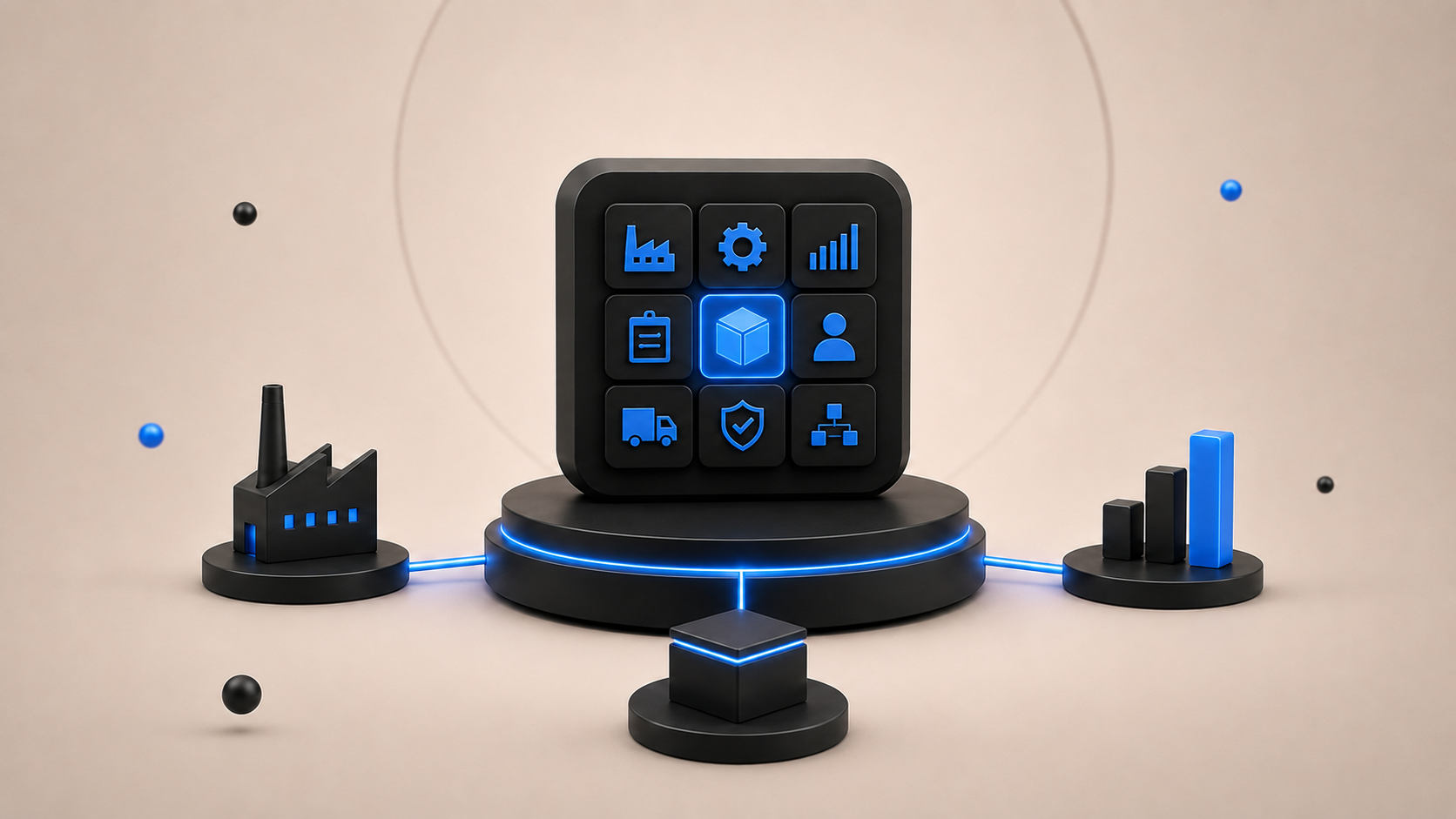
Manufacturing gets complicated long before a company considers itself large. A customer places an order. Sales promises a delivery date. Production needs raw materials. Purchasing needs to know what to order. The warehouse needs accurate stock. Machines and workers need to be available. Quality checks have to happen before the product ships. Finance still needs to know what the finished product actually cost.
When this is managed through separate spreadsheets and disconnected software, problems appear quickly. Production plans are based on outdated inventory. Materials arrive late. Teams discover shortages after a job has already started. Sales promises dates that production cannot meet. Nobody is completely sure which version of a bill of materials is correct.
Manufacturing ERP is designed to connect those processes. A good manufacturing ERP links sales, purchasing, inventory, production, planning, quality, maintenance, costing, finance, and the shop floor in one system. But not every ERP works equally well for manufacturing some platforms fit large global manufacturers, others are stronger for make-to-order production, and some suit smaller factories that need straightforward MRP without enterprise-level complexity.
What Is Manufacturing ERP?
Manufacturing ERP is enterprise resource planning software built to manage both the business and production sides of a manufacturing company. Instead of running production in one system, purchasing in another, inventory in spreadsheets, and accounting somewhere else, ERP connects them.
When a manufacturer receives an order for 500 units, the ERP can check what raw materials are required, what is already in stock, what needs to be purchased, which machines or work centers are available, how long production should take, what labor is required, whether another production order has higher priority, and what each finished unit is expected to cost. The system can then create or support production orders, material requirements, purchasing activity, scheduling, inventory movement, and financial records.
Why Generic ERP Often Falls Short in Manufacturing
Most ERP systems can handle invoices, customers, suppliers, accounting, and purchase orders. Manufacturing needs much more. A factory needs the system to understand how a product is actually made materials, operations, machines, production time, scrap, subcontracting, capacity, quality, and different manufacturing methods.
Bills of Materials
A manufacturer does not simply sell Product A. Product A may require components, a subassembly, packaging, and several production operations. That structure needs to exist inside the ERP as a bill of materials, or BOM. If there are different product versions, the ERP needs to know which BOM belongs to which version.
Material Requirements Planning
Knowing current stock is not enough. Manufacturers need to know what they will need next week or next month based on actual production requirements. MRP combines demand, inventory, bills of materials, purchase lead times, and production requirements to identify what needs to be purchased or produced.
Production Capacity
Having enough material does not mean you can produce the order. The required machine may already be fully booked, or a work center may only have capacity for 300 units per day. A manufacturing ERP needs to consider production resources, not just inventory.
Shop Floor Execution
Planning happens in the office. Production happens on the floor. Workers should be able to see work orders, record quantities, report scrap, track production time, complete operations, and report issues without someone manually copying that information into the ERP later.
Manufacturing Costing
A finished product does not cost only the price of its raw materials. Cost can include materials, labor, machine time, overhead, outside processing, scrap, and setup time. Manufacturing ERP helps businesses understand expected and actual production costs a difference that matters when margins are tight.
Core Modules That Manufacturing ERP Actually Needs
| Module | What It Manages |
|---|---|
| MRP | Material demand, shortages, and replenishment. |
| Production Planning | What should be produced and when. |
| BOM Management | Components and structures required to manufacture products. |
| Routings | Operations and work centers needed for production. |
| Inventory | Raw materials, WIP, and finished goods. |
| Purchasing | Suppliers, purchase orders, and material replenishment. |
| Shop Floor | Work orders, labor, production quantities, and progress. |
| Scheduling | Machine, labor, and work-center capacity. |
| Quality | Inspections, defects, nonconformance, and traceability. |
| Maintenance | Equipment servicing, downtime, and maintenance activity. |
| Costing | Material, labor, machine, and production costs. |
| Finance | Accounting, budgeting, cash flow, and profitability. |
| Sales and Orders | Customer demand and order fulfillment. |
| Analytics | Production, inventory, cost, and operational performance. |
MRP, Planning, and Scheduling
MRP looks at product demand and calculates what materials are required, considering what is already in stock or on order. Scheduling helps determine when and where you can make it based on available work centers, machine capacity, current production orders, material availability, priorities, setup times, and bottlenecks.
Inventory, Shop Floor, Quality, and Maintenance
Manufacturing inventory is more complicated than counting finished products. You may have raw materials, components, subassemblies, work in progress, finished goods, scrap, returned materials, and materials at subcontractors. ERP should make those movements part of the production process.
On the shop floor, operators can record work started and completed, quantity produced, time spent, material consumed, scrap, downtime, and quality problems. Quality management can cover incoming inspections, in-process checks, finished goods inspections, defects, nonconformance, corrective actions, and lot or serial traceability. Maintenance tracks equipment, service history, preventive work, downtime, and spare parts so production schedules are not surprised by breakdowns.
First Decide What Type of Manufacturer You Are
A system can be excellent manufacturing software and still be wrong for your factory.
- Make-to-stock products are produced before customers order them; forecasting, inventory control, and production planning matter most.
- Make-to-order production starts after the order; order visibility, scheduling, material planning, and costing are critical.
- Engineer-to-order products are designed or heavily modified per customer; engineering changes, project management, configuration, BOM control, purchasing, and production must stay connected.
- Repetitive manufacturing similar products move repeatedly through production; efficiency, line planning, capacity, downtime, and performance matter most.
- Process manufacturing formulas, recipes, batches, and quantities instead of assembled components; common in food, chemicals, cosmetics, and pharmaceuticals.
- Mixed-mode manufacturing more than one of the above in the same plant or organization.
Manufacturing ERP Systems That Actually Work
There is no one system that wins for every manufacturer. A better way to compare them is by fit.
| ERP | Worth Considering For |
|---|---|
| SAP Cloud ERP | Large and complex manufacturing organizations needing BOMs, routings, MRP, scheduling, discrete/process/repetitive manufacturing, and quality management. |
| Oracle Fusion Cloud Manufacturing | Enterprise and mixed-mode manufacturing, including discrete and process production, configured products, outsourcing, and project-specific manufacturing. |
| Microsoft Dynamics 365 | Mid-sized and large manufacturers using the Microsoft ecosystem, with planning, procurement, manufacturing, shop floor, warehouses, and asset management. |
| Infor CloudSuite Industrial | Industrial, discrete, and process manufacturers wanting industry-specific functionality, including ETO, MTO, and mixed-mode operations. |
| Epicor Kinetic | Discrete and make-to-order manufacturers such as industrial equipment, metals, machinery, electronics, automotive suppliers, plastics, and furniture. |
| Odoo | Small and mid-sized manufacturers wanting modular ERP with manufacturing orders, BOMs, work centers, MPS, subcontracting, lot tracking, shop-floor tools, quality, and maintenance. |
Odoo is worth considering for small and mid-sized manufacturers that need more than basic inventory software but do not want the complexity of a large enterprise ERP. It can also make sense when the company needs significant flexibility or custom ERP development around particular workflows.
How to Choose the Right Manufacturing ERP
Do not begin with vendor demos. Begin with your factory.
- Map how a customer order becomes a finished product: sales order, planning, material check, purchasing, production, quality, finished stock, shipping, and invoice. Write down every system, spreadsheet, approval, and manual step.
- Identify your manufacturing method make-to-stock, make-to-order, engineer-to-order, configure-to-order, process, repetitive, project-based, or mixed-mode.
- Test MRP with your own product using your BOM, current inventory, open orders, supplier lead times, and production demand.
- Test real exceptions: late suppliers, machine downtime, order increases, failed inspections, scrap, mid-production BOM changes, and urgent orders.
- Let supervisors and operators test the shop-floor interface find today's jobs, record production, report scrap, and use scanners or tablets if needed.
- Check integrations with CAD, PLM, MES, WMS, e-commerce, barcode systems, IoT devices, shipping platforms, CRM, and quality systems.
- Understand the real cost, including implementation, data migration, integrations, customization, training, support, hardware, consulting, and additional modules.
How to Implement Manufacturing ERP Without Disrupting Production
ERP implementation is difficult in almost any industry. Manufacturing adds another problem: the factory still needs to keep producing while the system changes.
- Clean master data first item codes, BOMs, routings, work centers, suppliers, lead times, units of measure, inventory, and cost information. Bad master data produces bad planning.
- Fix the process before automating it. Do not automatically copy every existing workflow into the ERP.
- Start with core processes such as products, BOMs, inventory, purchasing, sales, MRP, production, and finance.
- Run full production tests before launch: create a sales order, run MRP, purchase missing material, receive it, create the production order, issue components, record operations, report scrap, complete production, move finished goods, ship, and invoice.
- Train people by role planners, operators, warehouse staff, purchasing, and finance.
- Measure what changes after go-live: on-time delivery, inventory accuracy, production lead time, schedule adherence, scrap, downtime, stockouts, inventory turnover, and manufacturing cost variance.
Common Manufacturing ERP Mistakes
- Choosing a famous ERP instead of the right ERP for your manufacturing model and company size.
- Ignoring the shop floor until shortly before launch.
- Leaving BOMs and routings until the end of migration.
- Over-customizing until upgrades become expensive and only a few people understand the system.
- Expecting ERP to fix unclear responsibilities, inaccurate inventory, poor production discipline, or bad master data by itself.
Which Manufacturing ERP Should You Choose?
- Large, complex, or global manufacturer look closely at SAP and Oracle.
- Mid-sized or larger manufacturer already using Microsoft consider Dynamics 365.
- Industrial manufacturer wanting deep manufacturing functionality look at Infor.
- Discrete or make-to-order manufacturer Epicor Kinetic deserves serious consideration.
- Small or mid-sized manufacturer wanting flexibility and modular implementation evaluate Odoo.
That is only a starting point. Your final decision should come from testing your own BOMs, production orders, material planning, shop-floor processes, costing, and exceptions inside each shortlisted system.
Where to Go From Here
The manufacturing ERP that actually works is not necessarily the one with the longest feature list. It is the one that understands how your company makes things what materials you need, what is available, what needs to be purchased, what can be produced, where capacity is limited, what is happening on the shop floor, what each product costs, and whether customers will receive their orders on time.
Start by mapping your current production process and identifying where spreadsheets, shortages, scheduling problems, inaccurate inventory, or disconnected systems create the most pain. Then shortlist two or three ERP platforms that fit your manufacturing model and company size, and make each vendor run your actual manufacturing scenarios. If you are trying to decide between an existing platform and a system built around your own workflows, our ERP solutions team can help evaluate your manufacturing requirements, integrations, and implementation options.
Frequently Asked Questions
What is manufacturing ERP?
Manufacturing ERP is software that connects production with inventory, purchasing, sales, finance, planning, quality, costing, and other business processes. It provides one system for managing both factory operations and the business around them.
What is the difference between ERP and MRP?
MRP focuses mainly on calculating material requirements for production. ERP is broader. It can include MRP while also managing purchasing, inventory, production, sales, finance, HR, quality, maintenance, and other business functions.
Which ERP is best for manufacturing?
There is no single best manufacturing ERP. SAP and Oracle are strong options for large complex organizations. Infor and Epicor provide deep manufacturing functionality. Microsoft Dynamics 365 can work well for mid-sized and larger manufacturers, while Odoo is often worth considering for smaller and more flexible implementations.
What features should a manufacturing ERP have?
Important features include BOM management, MRP, production orders, scheduling, inventory, purchasing, shop-floor management, quality, costing, traceability, maintenance, finance, and reporting. The exact requirements depend on the manufacturing method.
Can an ERP manage the shop floor?
Yes. Many manufacturing ERP platforms support work orders, operator reporting, production quantities, scrap, labor time, work centers, and production progress. Some also integrate with dedicated MES systems for more detailed shop-floor control.
Is Odoo good for manufacturing?
Odoo can be a strong option for small and mid-sized manufacturers that need MRP, BOMs, work centers, shop-floor functions, inventory, purchasing, quality, maintenance, and connected business applications without starting with a large enterprise ERP. The final fit depends on the complexity of the production environment.
How do I know if my company needs manufacturing ERP?
Common signs include unreliable inventory, heavy spreadsheet use, frequent material shortages, poor production visibility, disconnected accounting and production systems, difficulty calculating actual product costs, or production planning that depends heavily on individual employees.
Ready to estimate your app cost?
Use our free calculator to get a personalised cost breakdown in 2 minutes.
Calculate Your App Cost