
ERP vs CRM: What's the Difference and Which One Do You Need?
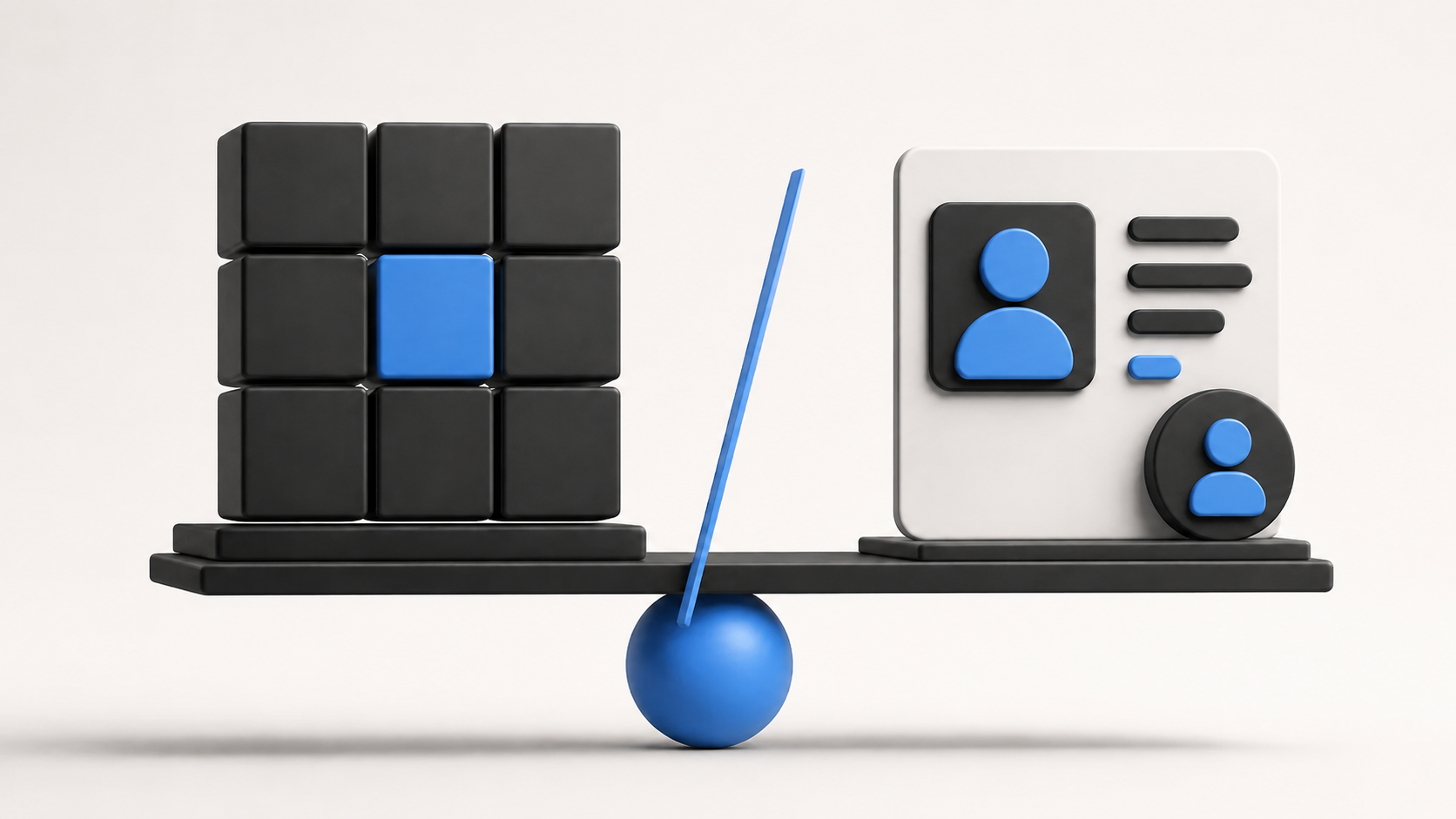
ERP and CRM are two of the most common business software systems. They are also two of the easiest to confuse. Both store company data. Both automate work. Both can include sales, reporting, customer information, and integrations. And both are supposed to help a business operate more efficiently.
But they solve very different problems. A CRM helps you manage customers and sales. An ERP helps you manage the business operations behind those sales.
If your sales team is losing track of leads, follow-ups, and customer conversations, CRM is probably where you should look first. If your biggest problems involve inventory, accounting, purchasing, production, payroll, or disconnected departments, you are probably dealing with an ERP problem. And many growing companies eventually need both.
What Is CRM?
CRM stands for Customer Relationship Management. Its main purpose is to help a company manage relationships with prospects and customers everything that happens before and around a sale. A potential customer fills out a form, a salesperson calls them, an email is sent, pricing is discussed, a follow-up is scheduled, the opportunity moves into negotiation, and eventually the deal is won or lost. CRM keeps that history together.
- Leads, contacts, and companies
- Sales opportunities and pipelines
- Calls, emails, follow-ups, and meetings
- Sales activities and customer history
- Forecasts and sales reports
Instead of each salesperson keeping their own spreadsheet or personal notes, the company gets one shared record of its customer relationships.
What Is ERP?
ERP stands for Enterprise Resource Planning. ERP focuses on the internal processes required to operate the business accounting, finance, procurement, inventory, warehousing, manufacturing, supply chain, HR, payroll, projects, assets, orders, and reporting. The exact modules depend on the company and ERP platform.
Imagine a salesperson closes an order for 500 products. CRM helped manage the relationship and close the deal. Now the business needs to answer different questions: Do we have 500 units? Do we need to manufacture them? Do we need more raw materials? Which warehouse will ship the order? What did the products cost? Has the customer been invoiced? Has the supplier been paid? Those are ERP questions.
ERP vs CRM in Simple Terms
| Area | CRM vs ERP |
|---|---|
| Main focus | CRM: customers and revenue. ERP: business operations and resources. |
| Main users | CRM: sales, marketing, customer teams. ERP: finance, operations, HR, purchasing, manufacturing. |
| Leads and pipeline | CRM: core features. ERP: usually limited or not the main focus. |
| Customer conversations | CRM: core feature. ERP: limited. |
| Accounting and inventory | CRM: usually limited or integrated from elsewhere. ERP: core functions in many platforms. |
| Procurement and manufacturing | CRM: no or limited. ERP: yes, especially in manufacturing ERP. |
| HR and payroll | CRM: usually no. ERP: often available. |
| Main goal | CRM: win and retain customers. ERP: run the business efficiently. |
A CRM helps create and manage revenue opportunities. An ERP helps the company deliver, account for, and operate around that revenue.
A Simple Example
Imagine you run a furniture company and a new hotel wants 200 custom chairs.
What CRM does
Your sales team enters the hotel as a lead, records calls and emails, moves the deal through the pipeline, creates follow-up tasks, discusses pricing, and marks the opportunity Closed Won once the hotel approves the proposal. The CRM has done its main job.
What ERP does
Operations take over. The ERP checks how much wood is available, what materials need to be purchased, which supplier should provide them, production requirements, manufacturing schedule, labor and machine needs, finished inventory, product costs, shipping, customer invoicing, and accounting. The same customer order touches both systems, but each manages a different part of the process.
Where CRM and ERP Overlap
Modern platforms often share customer information, sales orders, quotes, products, pricing, reports, and revenue information. The difference is usually why the information is being used.
A CRM asks who the customer is, what has been discussed, what they are interested in, what the salesperson should do next, and how likely they are to buy. ERP asks what they ordered, whether inventory is available, whether the order shipped, what should be invoiced, and whether they have paid. The customer may exist in both systems, but the purpose of the record is different.
What Problems Does CRM Solve?
- Leads are getting lost a CRM can create and assign leads automatically.
- Salespeople forget follow-ups tasks and reminders replace memory.
- Customer history is scattered across calls, emails, and spreadsheets.
- Nobody trusts the sales pipeline or forecasting.
- Sales depends too much on individual employees history stays with the company when someone leaves.
What Problems Does ERP Solve?
- Finance is doing too much manual reconciliation of invoices, expenses, and purchasing.
- Inventory numbers are unreliable between sales and the warehouse.
- Departments maintain different versions of the same information.
- Purchasing is hard to control without consistent approvals and pricing.
- Growth creates more administration across locations, employees, warehouses, and products.
Which One Does Your Business Need First?
Choose CRM first if
- You are losing leads or follow-ups are inconsistent.
- Your sales team relies on spreadsheets.
- Customer conversations are difficult to track.
- Managers cannot see the pipeline clearly or forecasting is unreliable.
- Several salespeople work with the same customers.
Choose ERP first if
- Accounting requires too much manual work.
- Inventory is unreliable or purchasing is difficult to control.
- You manufacture products.
- Departments use disconnected systems.
- Payroll or HR processes are becoming complicated.
- Management cannot see business performance clearly.
When Do You Need Both ERP and CRM?
Many growing businesses eventually need both. CRM may manage the journey from Lead → Opportunity → Proposal → Customer. ERP may continue from Customer Order → Inventory → Fulfillment → Invoice → Payment.
When the systems are integrated, a salesperson can close a deal in CRM, approved customer and order information moves into ERP, inventory is checked, fulfillment begins, the order ships, finance creates the invoice, and relevant order information becomes visible to the sales team without re-entering data in two isolated systems.
CRM Inside ERP: Do You Still Need a Separate System?
Not always. Many ERP platforms include their own CRM modules. For a smaller business, one platform covering CRM, sales, purchasing, inventory, accounting, projects, and HR may be enough. This can reduce integrations and keep more information inside one system.
Platforms such as Odoo ERP take this modular approach. However, companies with advanced sales requirements sales automation, lead scoring, marketing, calling, email sequences, forecasting, territory management, or deeper customer engagement may prefer a dedicated CRM integrated with ERP.
Should You Use One Platform or Two?
One integrated platform can mean fewer integrations, one customer database, easier reporting, less duplicate data, and simpler administration especially for small and mid-sized businesses. Separate ERP and CRM systems can provide deeper specialized functionality, but you need to decide which system owns customer information, product information, pricing, and sales orders. If that integration is poorly designed, employees end up fixing duplicates manually.
How to Decide What You Need
- Identify the biggest problem where are you losing the most time or money?
- Map your customer journey from first interaction through payment and find where systems stop communicating.
- List systems you already use accounting, inventory, CRM, e-commerce, payroll, project management, manufacturing, and support and decide whether replacement or integration is needed.
- Think about growth more customers, another sales team, another location, another warehouse, more employees, or international expansion.
Common ERP and CRM Mistakes
- Buying ERP when you only need CRM solve the actual sales problem first.
- Expecting CRM to manage complex finance, procurement, manufacturing, inventory, or accounting.
- Creating two customer databases that disagree so users stop trusting both.
- Choosing based only on feature count instead of workflow fit.
- Ignoring integration until the end when CRM and ERP already need to share information.
ERP vs CRM: Which One Should You Choose?
If your biggest challenge is getting and managing customers, start with CRM. If your biggest challenge is managing what happens inside the business, start with ERP. If both sides are becoming complicated, you probably need both working together.
There is no benefit in implementing a large ERP because your sales team forgot to follow up with leads. And there is no benefit in buying a more advanced CRM because your warehouse cannot tell you what inventory actually exists. Match the system to the problem.
Where to Go From Here
ERP and CRM are not competing systems. They manage different sides of the same business. CRM helps your company build relationships, manage opportunities, and generate revenue. ERP helps you manage the people, money, products, inventory, suppliers, and operations required to deliver what you sold.
Start by mapping your business from the first customer interaction through final payment. Look for the points where information gets lost, employees enter the same data twice, or departments stop seeing the same picture. That will usually tell you whether the next system you need is CRM, ERP, or both. If sales and operations need to work from connected information, ERP solutions can help bring those processes together.
Frequently Asked Questions
What is the main difference between ERP and CRM?
CRM focuses primarily on customer relationships, leads, sales opportunities, and sales activity. ERP focuses on internal business operations such as finance, inventory, purchasing, manufacturing, HR, and supply chain.
Is CRM part of ERP?
It can be. Some ERP platforms include CRM modules, while other businesses use a dedicated CRM connected to their ERP.
Does a small business need ERP or CRM?
It depends on the problem. A small business struggling to manage leads may benefit from CRM first. A product-based business struggling with inventory, accounting, or purchasing may benefit more from ERP.
Can ERP replace CRM?
Sometimes. If the ERP includes enough CRM functionality for your sales process, a separate CRM may not be necessary. Advanced sales teams may still benefit from a dedicated CRM.
Can CRM replace ERP?
Usually not. CRM is not designed to manage complex finance, procurement, manufacturing, payroll, warehouse, or supply chain operations.
Should ERP and CRM be integrated?
Yes, if you use separate systems. Integration can help customer, order, product, and financial information move between sales and operations without repeated manual entry.
Which should I implement first, ERP or CRM?
Start with the area creating the biggest business problem. If sales and customer management are the issue, start with CRM. If operational processes are the issue, start with ERP.
Ready to estimate your app cost?
Use our free calculator to get a personalised cost breakdown in 2 minutes.
Calculate Your App Cost