
ERP for Retail: Choose and Implement the Right System for Your Business
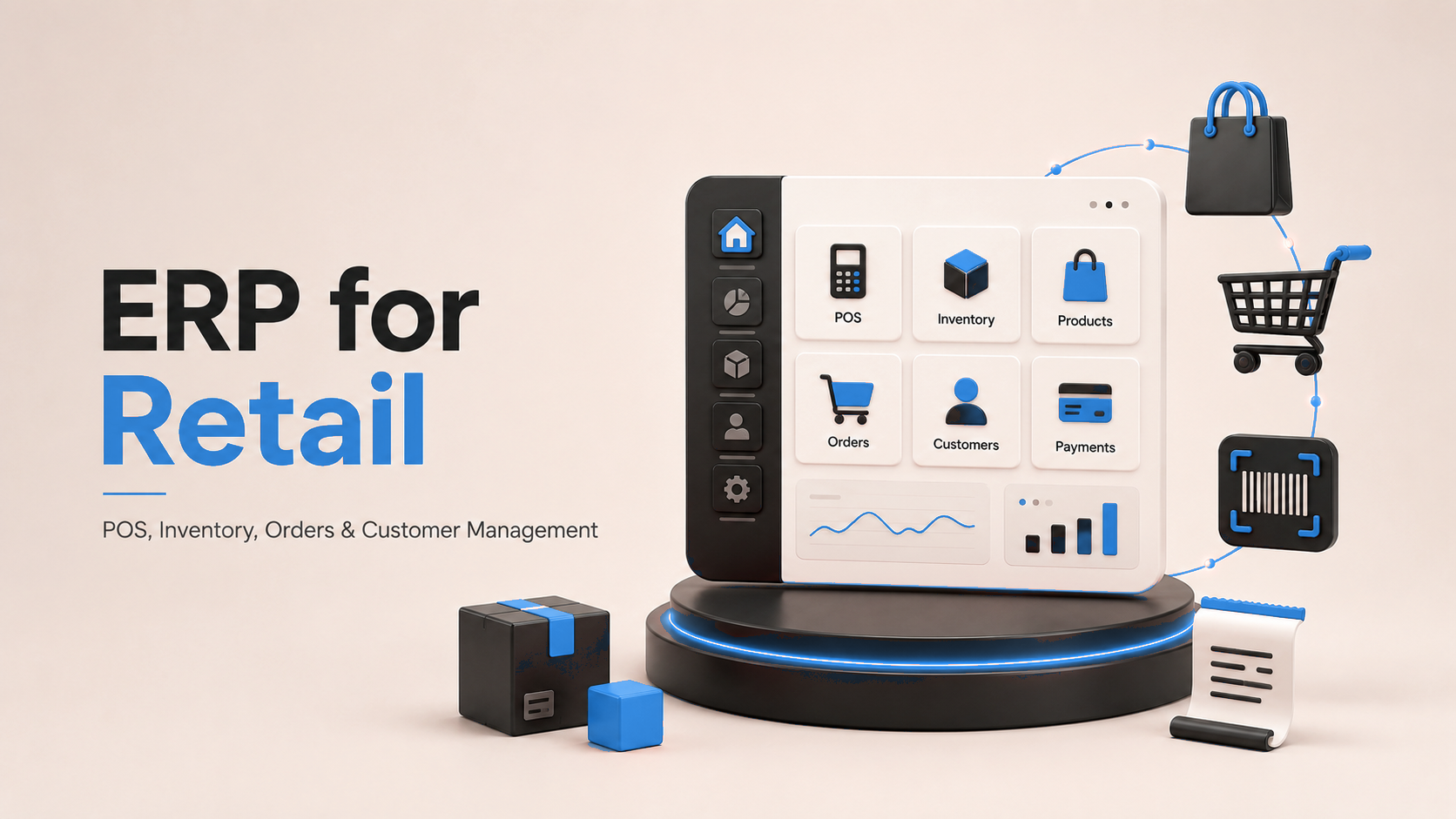
Running a retail business gets complicated fast. One store becomes three. Then you add an online shop, a warehouse, more suppliers, hundreds of products, seasonal promotions, returns, loyalty programs, and staff across different locations.
The problem usually isn't that retailers don't have software. It's that they have too much disconnected software. The POS records sales. A spreadsheet tracks stock. Accounting uses another platform. Online orders come through a separate system. When those systems don't communicate, stock numbers stop matching, orders get delayed, and managers spend more time fixing data than running the business.
That's where retail ERP comes in. A retail ERP connects sales, inventory, purchasing, accounting, customers, suppliers, stores, and online channels in one system. In this guide, we'll explain what retail ERP is, the features that matter most, how it helps, which systems are worth considering, and how to choose and implement the right one. For unusual workflows, custom ERP development can also build the system around how your company actually operates.
What Is ERP for Retail?
Retail ERP is software that brings the main operations of a retail business into one connected platform. It can manage POS transactions, inventory, purchasing, warehouses, suppliers, accounting, customer information, e-commerce orders, returns, pricing and promotions, employees, and reporting.
The important part isn't simply having these features. It's that they share information. When a customer buys the last pair of shoes in your Lahore store, the POS records the sale, inventory drops to zero, the online store sees the updated stock, accounting records the transaction, and purchasing can be alerted if stock hits the reorder level. Nobody needs to enter the same sale into four different systems.
Why Retail ERP Is Different From a Basic Business ERP
A normal ERP can handle finance, purchasing, HR, and inventory. Retail adds another layer because thousands of transactions can happen every day across stores, websites, marketplaces, warehouses, and mobile devices.
1. Inventory changes constantly
Retail stock moves every time someone buys, returns, transfers, receives, damages, or reserves an item. You need to know what is available right now, not what was available yesterday. A retail ERP keeps inventory connected across stores, warehouses, and sales channels.
2. Sales happen through multiple channels
A customer might browse online, buy through the website, pick up from a store, and exchange the product at another branch. The systems behind those interactions need to recognize the same product, customer, payment, and order. That is why omnichannel capabilities matter so much in modern retail platforms.
3. Pricing changes frequently
Retailers constantly work with discounts, coupons, seasonal promotions, clearance pricing, loyalty rewards, store-specific offers, and customer-specific prices. ERP helps control those rules from a central place instead of updating every store manually.
4. Product catalogs can become huge
A clothing retailer may have one shirt in six sizes and five colors. That single design becomes 30 stock combinations. Multiply that by thousands of products and spreadsheets quickly fail. Retail ERP helps manage SKUs, variants, barcodes, categories, suppliers, pricing, and inventory in one catalog.
5. Stores and online sales need the same data
Without integration, the website might say an item is available even though the last unit was sold in-store 20 minutes ago. Retail ERP connects those systems so customers and employees work with more accurate information.
Core Features of a Good Retail ERP
You don't need every feature in the ERP market. You need the ones that solve real retail problems.
Point of Sale Integration
Your POS is where a huge amount of retail data begins. Sales, payments, returns, discounts, taxes, customers, and product movement all start there. A strong retail ERP should allow POS information to flow directly into inventory, accounting, customer records, and reporting.
Inventory Management
Inventory is usually the heart of retail ERP. The system should tell you what you have, where it is, what has been reserved, what is running low, what is overstocked, what is being transferred, and what has already been ordered. Multi-location retailers should also transfer stock between stores and warehouses without creating separate manual records.
Purchasing and Supplier Management
ERP can help retailers decide when and how much to reorder. Purchase orders can be generated, approved, sent to suppliers, received, and matched against invoices inside the same system. Supplier performance can also be tracked over time.
Order Management
Retail orders don't always follow a simple path. An order might be bought in-store, purchased online, shipped from a warehouse or another store, collected through click and collect, or returned to a different location. Order management connects these steps so employees can see what is happening from purchase to delivery or return.
E-commerce Integration
Your online store should not behave like a separate company. Products, prices, customers, stock, orders, and financial data should move between e-commerce and ERP automatically. This becomes even more important when you sell through several channels.
Accounting and Finance
Retail ERP can connect daily sales directly with revenue, taxes, cost of goods sold, supplier payments, expenses, cash flow, and profitability. Instead of waiting for someone to combine reports at month-end, management gets a clearer financial picture.
Customer, Loyalty, Pricing, and Analytics
ERP can connect customer purchases across channels so retailers understand what customers buy, how often they return, which store they use, whether they shop online or offline, and which promotions they respond to. Pricing rules can also be managed centrally for example, applying 20% off selected items across stores and the online shop without editing every product manually.
A useful dashboard should show sales by location and product, gross margin, inventory levels, best sellers, slow movers, returns, store performance, and supplier performance. The goal is simple: make decisions from current business data instead of assumptions.
What Problems Does Retail ERP Actually Solve?
- You stop guessing how much stock you have one inventory record instead of separate warehouse, shop, and website numbers.
- You reduce overselling because an item sold in-store can be reflected across channels more quickly.
- You reorder more intelligently using existing stock and reorder rules instead of manual shelf checks.
- Finance gets cleaner data because sales, refunds, taxes, payments, purchases, and inventory movement connect to financial records.
- Store managers spend less time on admin and less time sending spreadsheets back and forth.
- Management gets one view of the business across stores and online channels without building reports manually.
Popular ERP Options for Retail Businesses
There is no single ERP that is best for every retailer. The right choice depends on store count, sales channels, products, transaction volume, customization needs, budget, and growth plans.
| ERP | Best Fit / Strength |
|---|---|
| Microsoft Dynamics 365 | Built around omnichannel retail with POS, digital commerce, inventory visibility, merchandising, order management, and cross-channel fulfillment. Strong for retailers already in the Microsoft ecosystem. |
| Oracle Retail | Broad retail stack covering merchandising, inventory, financials, procurement, omnichannel orders, warehouse operations, and planning. More relevant to large retailers with complex operations. |
| SAP | Enterprise option for strong finance, supply chain, integration, and multi-location needs, including POS data flowing into central systems. |
| NetSuite | Cloud ERP commonly considered by growing and mid-sized businesses that want finance, inventory, orders, and operations in one environment. |
| Odoo | Modular approach combining POS, inventory, sales, purchasing, accounting, CRM, and e-commerce. Especially useful for small and mid-sized retailers that want to start with core processes and expand later. |
Real retail implementations also show Odoo ERP connecting POS, inventory, sales, purchasing, accounting, e-commerce, and multi-store operations in one central environment.
How to Choose the Right Retail ERP
Don't start by asking which ERP has the most features. Start by asking which ERP fits the way your retail business actually works.
1. Start with your biggest problem
Maybe inventory is always wrong, store and online stock don't match, accounting takes too long, purchasing is mostly manual, you can't see performance across stores, or your current software can't support expansion. Your ERP shortlist should solve those problems first.
2. Count your sales channels
A single physical store has different needs from a retailer operating many branches, Shopify, Amazon, wholesale, social commerce, and multiple warehouses. List every place products are sold or stored, then ask vendors to show exactly how those channels will connect.
3. Test real inventory scenarios
Don't accept a demo where someone simply adds and removes stock. Test scenarios like a customer buying online, choosing store pickup, exchanging the item at another branch, and needing a warehouse transfer for the replacement. Ask the vendor to show the entire process.
4. Check integrations
List systems you intend to keep Shopify, WooCommerce, payment gateways, shipping providers, marketplaces, barcode hardware, POS terminals, banks, payroll, and CRM tools. If the ERP doesn't connect directly, find out how the integration will be built and maintained.
5. Think about growth and total cost
Ask whether you can open more locations, add warehouses, operate internationally, handle another currency, add wholesale, or change e-commerce platforms later. Also compare total cost over several years implementation, customization, integration, data migration, hardware, training, support, and upgrades not just the subscription price.
How to Implement Retail ERP Without Creating Chaos
Choosing the ERP is only half of the project. Implementation is where many businesses struggle.
- Map current processes first purchase, receive, store, sell, return, reorder, and account before configuring anything.
- Clean product names, SKUs, barcodes, customer records, supplier records, pricing, and inventory quantities before migration.
- Start with core processes such as products, inventory, POS, purchasing, sales, and accounting before adding extra modules.
- Test real retail scenarios: sale, refund, partial return, discount, store transfer, online order, store pickup, stock adjustment, supplier delivery, damaged item, and end-of-day closing.
- Train people by role cashiers, store managers, warehouse teams, purchasing, finance, and administrators.
- Launch carefully with one store, region, or process group first, then keep improving after go-live.
Common Retail ERP Implementation Mistakes
- Choosing based on a polished demo instead of testing your own workflows.
- Customizing everything and rebuilding old problems inside newer software.
- Ignoring store employees if cashiers and managers hate the system, adoption suffers.
- Migrating messy data such as duplicate products, incorrect inventory, and inconsistent SKUs.
- Underestimating integrations between POS, e-commerce, warehouses, marketplaces, payments, and ERP.
- Trying to launch every process at once instead of using a phased approach.
Where to Go From Here
The best retail ERP isn't necessarily the biggest or most expensive one. It's the system that gives your business better control over products, inventory, sales, customers, purchasing, stores, and finances without making everyday operations harder.
Start with your biggest operational problems. Shortlist platforms that fit your size and retail model. Ask vendors to demonstrate your real workflows, check integration requirements, understand the full cost, and involve the people who will actually use the system. Most importantly, think beyond today's business the right ERP should still work when you open the next store, add another warehouse, launch a new online channel, or expand into another market.
If your retail operations are already spread across separate systems, spreadsheets, and manual processes, ERP solutions can help bring those pieces together. Need help deciding which setup makes sense? Get in touch with our team to discuss your retail workflows and ERP requirements.
Frequently Asked Questions
What is ERP in retail?
Retail ERP is a business management system that connects POS, inventory, purchasing, accounting, suppliers, customer information, warehouses, and online sales so the business operates from connected data instead of separate departmental records.
Does a small retailer need ERP?
Not every small shop needs a full ERP. It becomes more useful when a retailer adds multiple stores, warehouses, large catalogs, e-commerce, complex purchasing, or several disconnected software systems.
What features should a retail ERP have?
The most important features usually include inventory management, POS integration, purchasing, accounting, order management, product management, reporting, customer management, and e-commerce integration. Multi-store retailers should also look for centralized inventory and branch management.
Can retail ERP connect physical stores and e-commerce?
Yes. A properly integrated ERP can connect inventory, products, customers, orders, and financial information between physical and digital channels. The exact level of integration depends on the ERP and e-commerce platform being used.
How do I choose the best retail ERP?
Start with your business problems and workflows rather than comparing feature lists. Shortlist systems that fit your size, test them with real retail scenarios, check integrations, compare total costs, and make sure the platform can support future growth.
Should a retailer choose a standard or custom ERP?
A standard ERP is usually better when your processes are relatively common and supported by existing modules. Custom ERP development makes more sense when your business has unusual workflows, complex integrations, or requirements that standard systems cannot handle efficiently.
Ready to estimate your app cost?
Use our free calculator to get a personalised cost breakdown in 2 minutes.
Calculate Your App Cost